
Engineering Service
Business Fit
Desktop Application Engineering starts by connecting user needs, operational goals and delivery constraints before implementation begins.
Engineering Service
Desktop software is engineered for workstation realities: local storage, background services, updates, device connectivity and secure cloud synchronization.
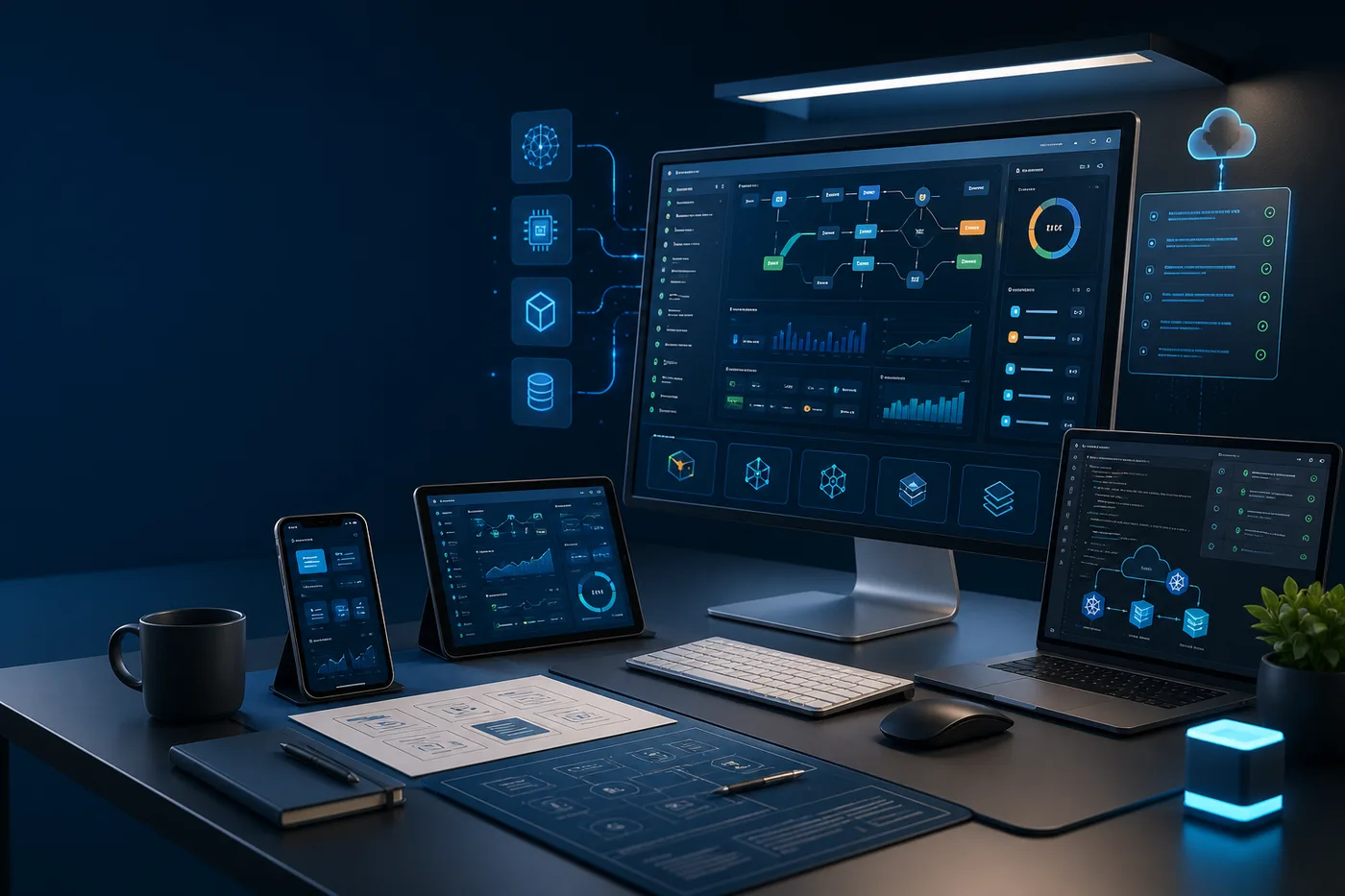
Service Overview
Windows, macOS and Linux applications with offline workflows and OS integration. The work is planned with enough structure to reduce uncertainty while leaving room for iteration, stakeholder feedback and production realities.
Desktop Application Engineering starts by connecting user needs, operational goals and delivery constraints before implementation begins.
We consider application layers, data flows, integrations, infrastructure, security, observability and long-term maintenance together.
Work is organized around clear milestones, review loops, measurable quality checks and release-ready execution.
Engineering Depth
Each engagement is shaped around architecture, security, testing, deployment and production operation rather than a single framework choice. The capability mix is adjusted to match the product stage, codebase maturity and delivery pressure.
Detailed Service Sections
Each service area is broken into practical workstreams so buyers can understand what is planned, built, validated and handed over.
We map workstation realities, user routines, local data needs and operating-system constraints before implementation.
Desktop applications are planned for Windows, macOS and Linux distribution with the right native or cross-platform stack.
We design local databases, queues and sync rules for dependable work even when connectivity is unreliable.
Long-running desktop processes are built with stability, resource usage and recovery behavior in mind.
Applications can connect with files, peripherals, USB, Bluetooth and native system APIs where the workflow requires it.
Desktop delivery includes update strategy, diagnostics, compatibility checks and long-term support planning.
Delivery Approach
The engagement is split into practical stages so planning, engineering, validation and operational handoff remain visible throughout the work.
Clarify goals, users, constraints, stakeholders and the exact outcomes expected from desktop application engineering.
Translate requirements into architecture, backlog structure, delivery phases, risks and practical engineering decisions.
Build the product, platform or capability with frontend, backend, data, cloud, QA and integration work aligned.
Apply code review, test coverage, security checks, performance validation and release readiness practices.
Prepare deployment, rollback plans, monitoring, documentation, handoff notes and stakeholder visibility.
Support production use, collect signals, reduce technical debt and evolve the system as requirements change.
Architecture & Flow
The working model is intentionally explicit: decisions, dependencies, environments, reviews and production signals are represented before the system is treated as finished.
Technology & Quality
Tools and platforms are selected for scalability, performance, maintainability, security and operational requirements. Quality work includes review discipline, testing strategy, deployment readiness and documentation.
Code, architecture and delivery plans are reviewed against maintainability and release impact.
Testing, security checks and performance signals are matched to the risk profile of the work.
Documentation, runbooks and knowledge transfer keep future maintenance practical.
Expected Outcomes
The goal is not only to complete tickets. The work should leave the product, platform or team stronger, easier to operate and better prepared for the next stage.
Talk to Engineering
From the first architecture decision to production deployment and global scaling, Azeosoft Engineering can help design, build and operate the platform.